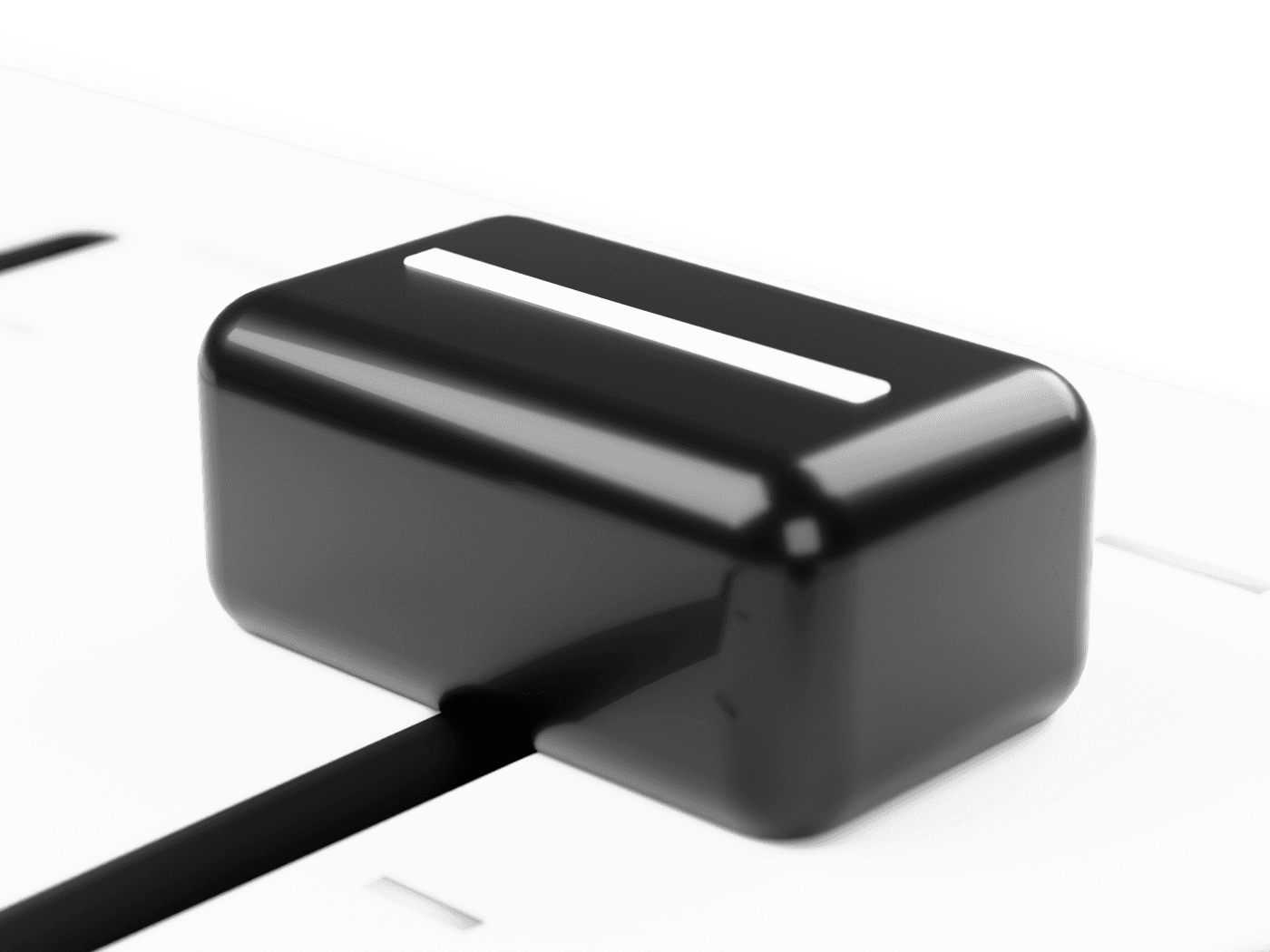
Feels like hardware
Each app has a fader and a mute button. Volume changes ramp smoothly while you drag, and on a Force Touch trackpad the slider ticks under your finger, with a firm click at 0% and 100%.
Levels is a free menu bar app for macOS that gives each app its own volume. Turn a call down and keep the music up. It runs on Apple’s Core Audio and installs no drivers.
$brew install rafaelisdev/tap/levels 47 downloads
How it works
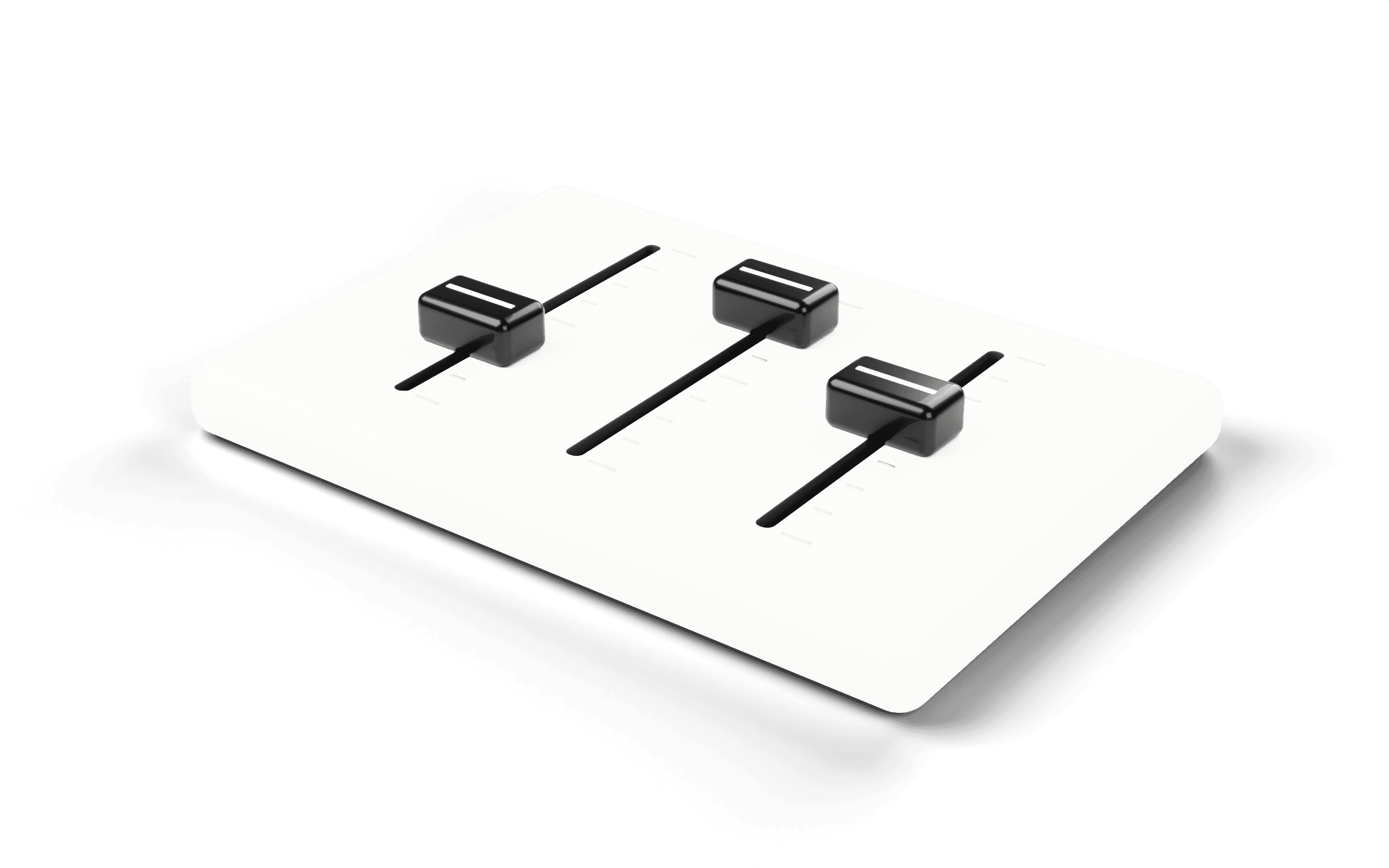
Every app that plays sound gets its own fader. This is the real panel rebuilt for the web: drag the sliders, click an icon to mute, or click the device name to pick the output.
Features
Each app has a fader and a mute button. Volume changes ramp smoothly while you drag, and on a Force Touch trackpad the slider ticks under your finger, with a firm click at 0% and 100%.
Levels uses the process taps Apple added to Core Audio in macOS 14.2. There are no drivers or kernel extensions.
Click the device name in the panel to see your Mac’s outputs, then pick one. Every app moves to it, as if you had changed it in System Settings. This works on every macOS version Levels runs on.
Set your music to 40% once and Levels applies it every time that app starts playing.
If Levels quits, every app returns to its normal volume right away. Audio stays on your Mac.
That is the whole download: one universal Swift app for Apple Silicon and Intel, with nothing running in the background besides the menu bar icon.
There is no Dock icon and no window. Levels opens from the menu bar, closes on Escape and can start at login.
Install
You can also use the curl script. It downloads the latest release, checks its SHA-256 and moves Levels to Applications.
$brew install rafaelisdev/tap/levelsLaunch it from Spotlight or Applications (the curl script opens it for you). Levels has no Dock icon and lives in the menu bar. Click the faders icon to open the panel and press Esc to close it.
The first time, macOS asks for “System Audio Recording Only” access. Allow it once. Levels processes sound on your Mac and never records it.
brew upgrade levels once.brew uninstall --zap levelsFAQ
No. Levels uses Core Audio process taps, which Apple added in macOS 14.2. Nothing is installed into the system, so removing the app leaves nothing behind.
Per-app volume needs macOS 14.2 or later. Levels itself runs on macOS 11 Big Sur and later, on Apple Silicon and Intel. On older systems it controls the output device volume and switches the output.
macOS requires that permission before one app can change the sound of another. Levels processes audio in real time on your Mac and never records, stores or uploads it.
Every app goes straight back to its normal volume. macOS only keeps an app routed through Levels while Levels is running.
Yes. Click the device name at the top of the panel to see your Mac’s outputs, and click one to make it the output for every app, as System Settings → Sound does. This works on every macOS version Levels supports.
From Levels 1.4.1, the panel shows a line when a new version is out. Click Update and Levels downloads it, checks its signature and restarts. This works the same whether you installed it with Homebrew, the install script or a manual download. If you have 1.4 or earlier, run brew upgrade levels or the install script once.
Only for updates. At launch and once a day Levels reads one small file from its latest release on GitHub to see if a new version is out, and it downloads the update when you click Update. GitHub sees these requests like any other download. They carry no account or identifier and nothing about your apps or your sound, and Levels has no analytics.
Levels follows your Mac’s language: English, Español, Deutsch, Français, Português, Русский, 日本語, 简体中文 and 한국어.
Yes. Levels is free to use, at home or at work, on as many Macs as you like. It is not open source.
$brew install rafaelisdev/tap/levels